centum vp
Centum VP: Mastery of Industrial Control
As the flagship Distributed Control System (DCS) from Yokogawa, Centum VP represents the pinnacle of high-availability process automation. This section of my portfolio is dedicated to exploring the intricate architecture and engineering implementation of this platform.
From configuring Field Control Stations (FCS) and managing Vnet/IP network topologies to developing complex control logic within the Control Drawing Builder, I showcase how theoretical process requirements are transformed into reliable, industrial-grade automation solutions. Dive into my project walkthroughs to see how I utilize PID control, advanced arithmetic blocks, and seamless safety integration to optimize plant performance.
🚀 Coming Soon: Yokogawa DCS & ProSafe-RS Series!
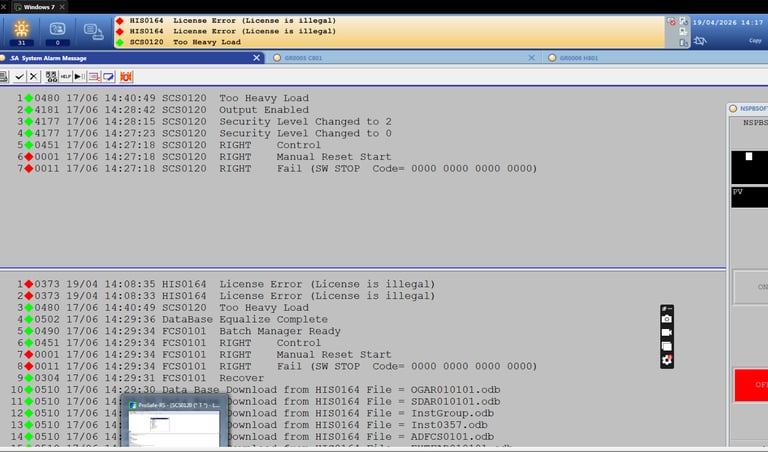
The messages have been pouring in! Since so many of you have asked for a deeper look into Yokogawa ICSS projects, I’ve decided to start a new series of videos dedicated to DCS and SIS integration.
We’ll be moving beyond basic logic to troubleshoot real-world scenarios, such as:
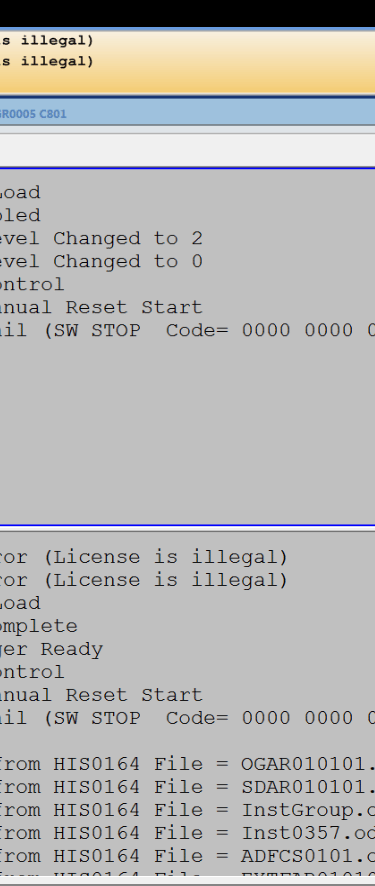
System Alarm Management: Interpreting SCS and HIS error codes.
ProSafe-RS Safety Logic: Handling Manual Reset Starts and Software Stops.
Database Equalization: Ensuring seamless communication between FCS and HIS stations.
I’m excited to share the technical workflows behind these complex industrial systems. Stay tuned for the first deep dive! directly into the control sequence.
Systems Engineering is 10% coding and 90% understanding architecture. 🏗️
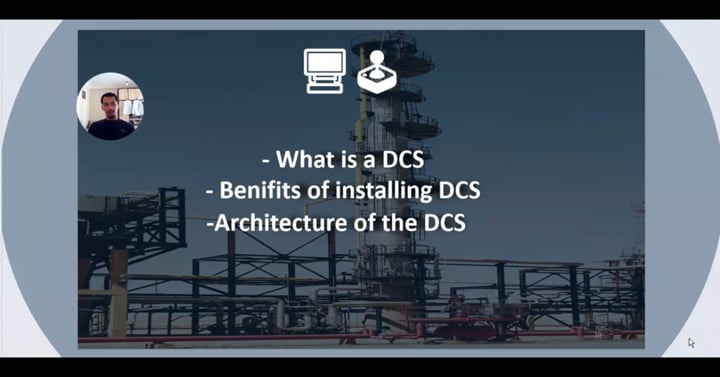
Before diving into the complex logic of Yokogawa Centum VP, you have to master the hardware fundamentals. In the first installment of my new DCS video series, I break down the Integrated Control and Safety System (ICSS) architecture.
We explore:
🔹 The 4-level hierarchy (Field to Supervisory).
🔹 How Vnet/IP ensures high-speed, reliable data flow.
🔹 The critical integration between Centum VP and ProSafe-RS.

From P&ID to Control Logic: Implementing Centum VP ⚙️
In my last video, we looked at the DCS architecture. Now, it’s time to get into the Engineering Station.
In this session, I demonstrate how to translate process requirements into functional blocks. We dive into the specific configurations that make a plant run smoothly, including:
✅ Setting up PID controllers for stable loops. ✅ Using CALCU blocks to process field data (working with .CPV vs .PV). ✅ Managing signal flow between Flow (FIC) and Level (LIC) control.
If you’ve ever wondered how the logic actually looks "under the hood" in a Yokogawa system, this video is for you.

Moving from Static Blocks to Dynamic Logic in Centum VP 🧠
In Part 3 of my DCS series, we are taking a deep dive into the "brain" of the system. It’s not just about placing blocks; it’s about how they communicate to handle real-world process conditions.
In this video, I cover:
✅ Data Item Configuration: How to properly define and map variables for seamless data flow.
✅ CALCU Blocks: Programming custom math and logic scripts to handle complex process calculations.
✅ RL Blocks (Relational): Using comparison logic to trigger safety and process events.
✅ Logic Chart 64: A step-by-step walkthrough of managing sequence steps focusing on the precise activation and deactivation of process phases.
Mastering these tools is what separates a basic configuration from a robust, industrial-grade control strategy.
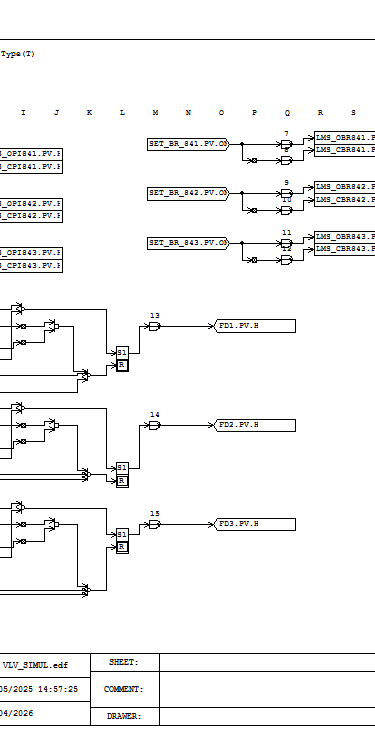
Behind the Logic: Building Robust Valve Sequences ⚙️
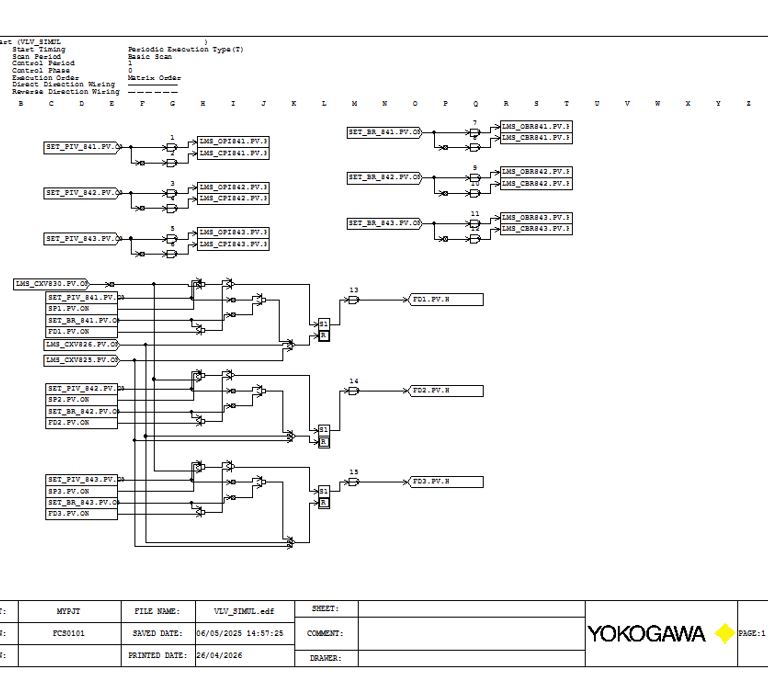
A valve is never "just a valve" in a DCS. It’s a set of timers, feedback loops, and safety interlocks.
I’m currently working on a Valve Simulation (VLV_SIMUL) project. The goal? To create a high-fidelity environment where every valve behaves exactly as it would in the plant. By using Logic Chart 64, I can manage multiple valve states in a single, clean workspace.
Key features of this implementation: ✅ Real-time feedback simulation. ✅ Error handling for "Failed to Open" or "Failed to Close" scenarios. ✅ Seamless integration with the broader control strategy.
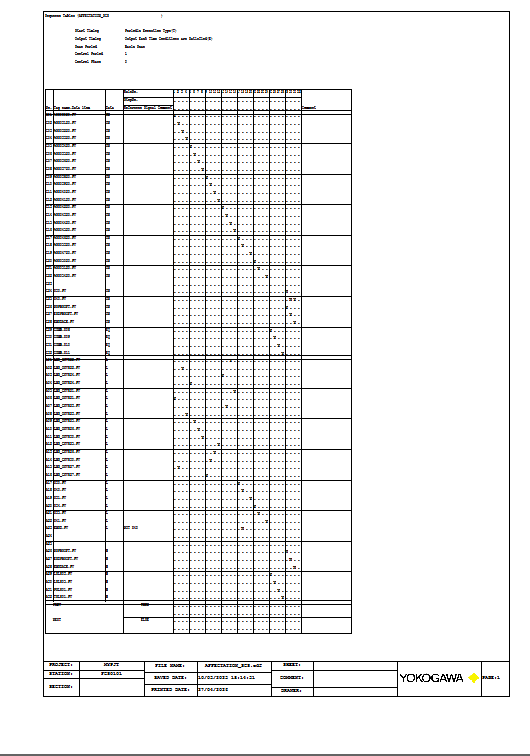
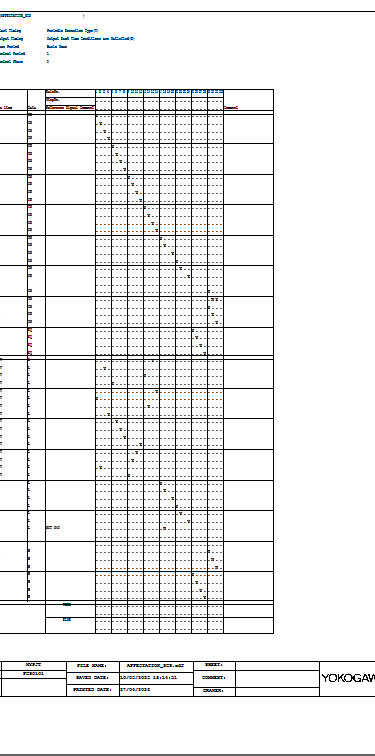
Implementing ST16 Sequence Tables in Centum VP 📑
In complex DCS projects, logic isn't just about single inputs and outputs it’s about the Sequence of Operations.
I’ve just completed the implementation of an Affectation SCS program using the Sequence Table 16 (ST16) block in Yokogawa Centum VP. This table acts as the "orchestrator" for the system, managing the relationship between conditions and actions across multiple process phases.
What’s happening in this sequence?
Condition Mapping: Aligning process interlocks and feedback states.
Action Coordination: Executing precise commands to field devices based on the active step.
Deterministic Logic: Ensuring the FCS executes every scan with 100% reliability.
Building these tables requires a deep understanding of the process flow and a rigorous approach to logic building.

The "Cause and Effect" of DCS Sequences 🛠️
Ever wonder how a plant startup is automated?
In Yokogawa Centum VP, we use the ST16 Sequence Table. In this quick walkthrough, I show how I use the Phase Status Word (.PSW) to trigger actions and the .PV.H (Hold) formula to lock in commands. It’s all about building a sequence that is not just functional, but safe and reliable.
Stop Clicking "Auto"! Automate Your DCS Startup Sequence ⚙️
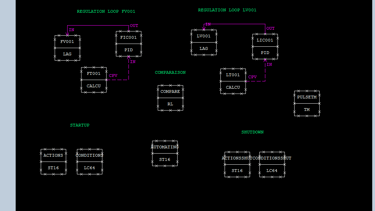
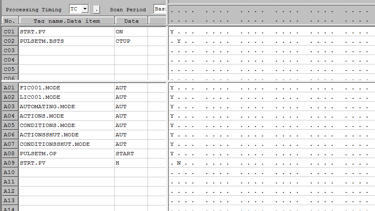
We’ve all been there: you start the DCS simulator, and every single loop PID, ST16, LC64 defaults to "Manual" mode. Spending the first 10 minutes of your simulation manually clicking them into "Auto" is not just tedious; it’s an inefficient use of your engineering time.
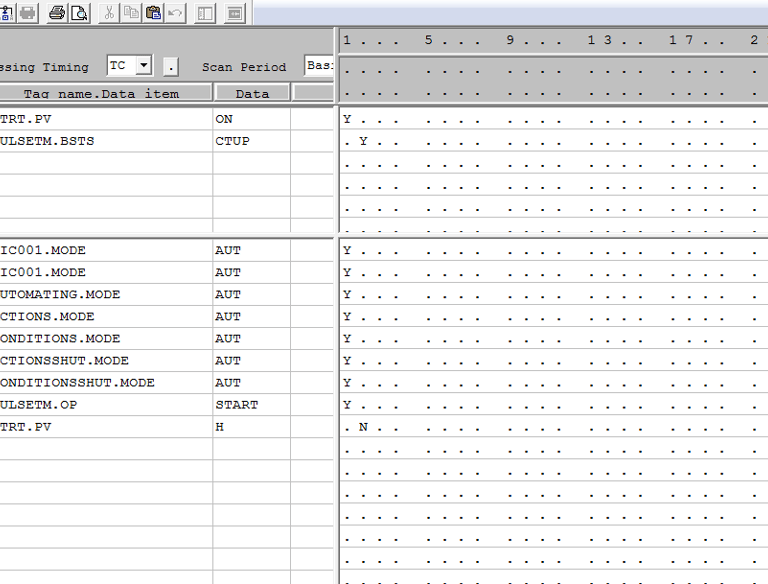
The Solution: I’ve developed a "Startup Handshake" logic that automates this process:
Trigger: Use your "Start" push button to initiate a pulse.
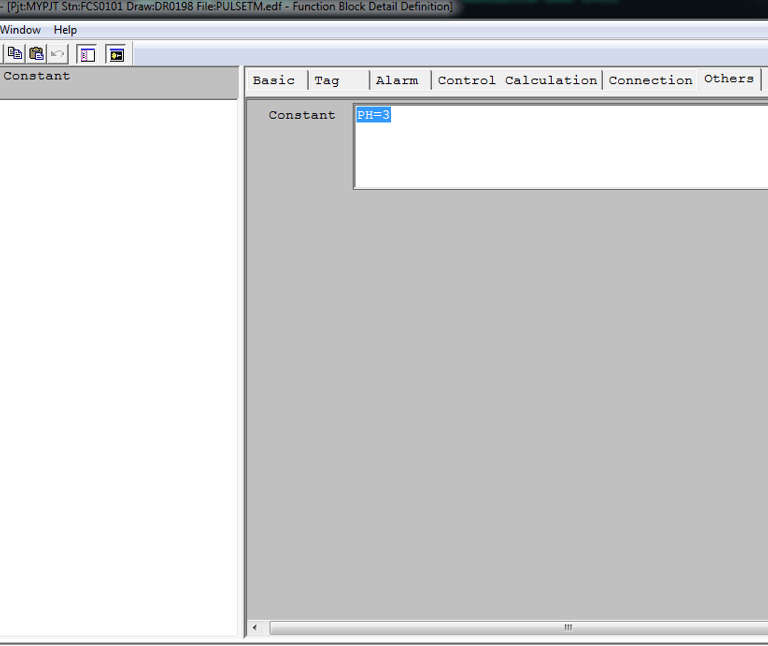
Delay: Implement a 3-second timer.
Command: Direct the ST16 to issue an "Auto" mode command to your critical blocks (PID, LC64, ST16).
Reset: The system automatically resets the Start button to "Off" once the mode change is confirmed.
This simple piece of logic saves time, removes human error, and gets your simulation up and running instantly.
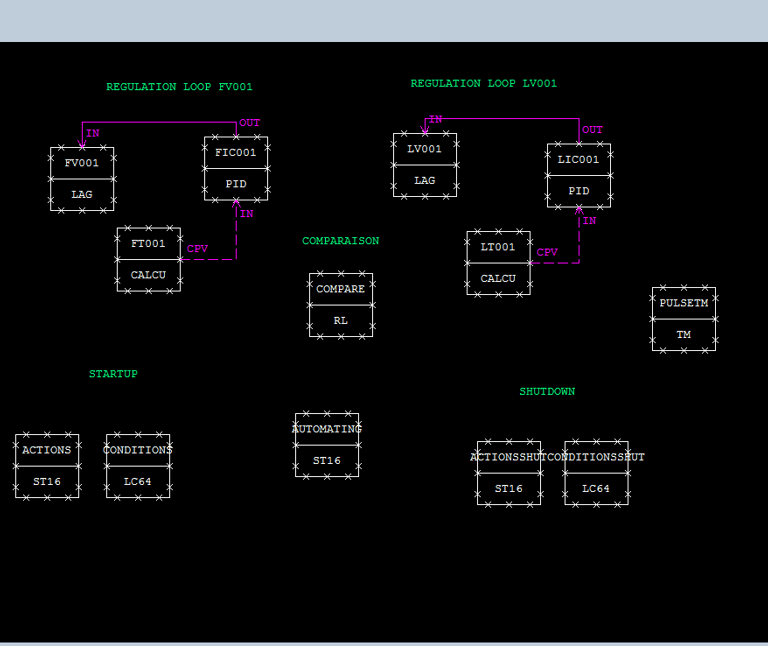

From P&ID to Screen: Designing the HMI for our Tank Project 🚀
Continuing with our industrial automation series, today's focus is on the human side of process control: the HMI.
In this video, I demonstrate how to transform a simple design into a fully functional graphic screen using Yokogawa Centum VP:
👉 Designing the process piping and process tanks.
👉Adding data characters and linking them to control tags (like FV001 and LV001) for real-time monitoring.
👉Implementing logic-driven color animations that change the valve indicators based on operational parameters.
👉Configuring touch targets for quick access to PID controller configuration windows.
✴️ Building a great HMI means making the operator's job safer and easier.
